Complete security for your online accounts with a fast, private, and reliable authentication solution.
Strong two-factor authentication that protects your personal and professional accounts from unauthorized access and cyber threats.
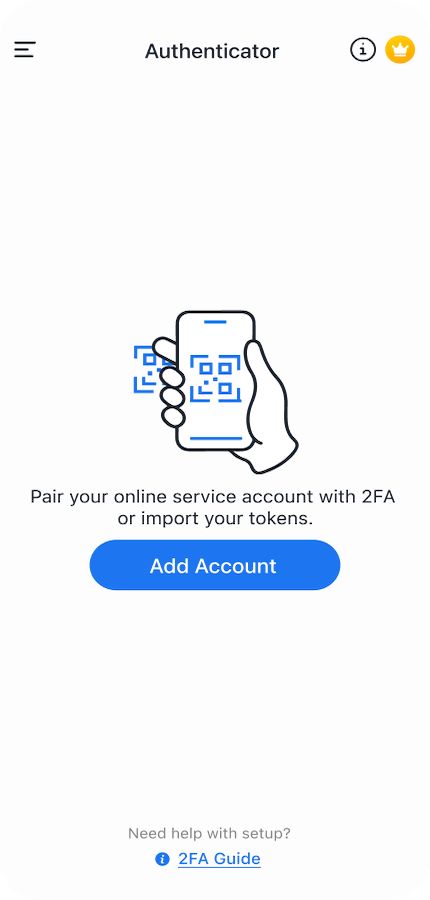
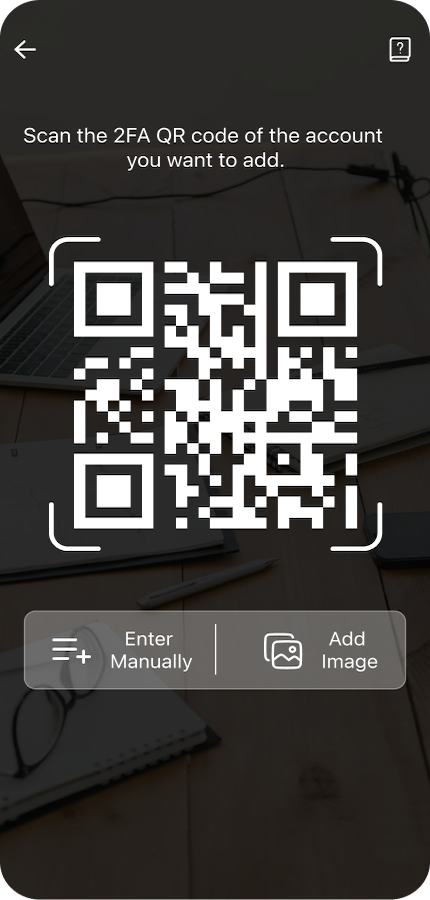
Scan QR codes and connect with your favorite services in seconds. Simple setup designed for speed and convenience.
Secure your authentication codes with built-in fingerprint and Face ID security so only you can access your accounts.
Secure cloud backup ensures your authentication tokens are protected and easily restored when switching devices.
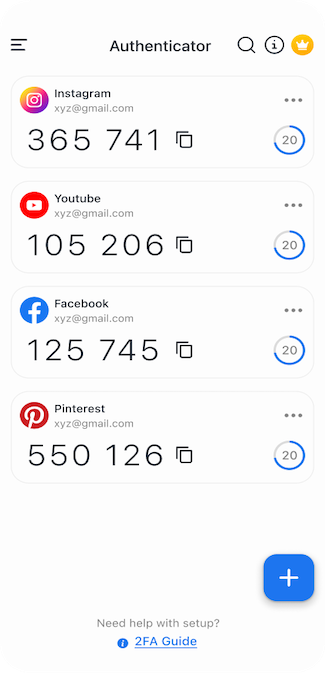
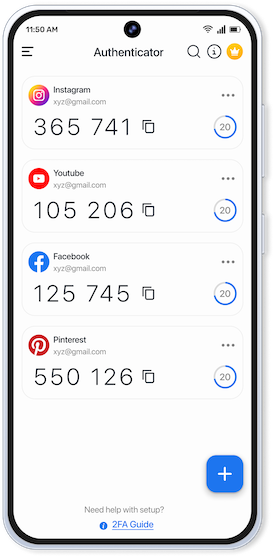
Generate secure verification codes anytime, even without an internet connection.
Works with any service that supports the TOTP standard — thousands of websites and apps, from email and social accounts to banking and workplace logins.
Our mission is to make advanced security accessible to everyone. Authenticator App - 2FA combines powerful encryption with a clean and intuitive experience to protect your digital life.
Adding two-factor authentication takes only a few seconds.
Install Authenticator App - 2FA from the Play Store or App Store and open it to begin secure setup.
Use the built-in scanner to connect any account that offers two-factor authentication via a QR code or setup key.
Enter the generated verification code to confirm login and keep your accounts protected.
Designed for speed, clarity, and strong security protection.
Authenticator App - 2FA is built so that the secrets protecting your accounts stay under your control. Here is exactly what stays on your device, what leaves it, and why.
Your 2FA secret keys and the verification codes generated from them are stored locally and encrypted on your device. Codes are calculated offline — no account or sign-in is required to use the app.
Backup is optional and off by default. If you enable it, your encrypted backup file is uploaded to cloud storage that belongs to you, so you can restore your accounts on a new device.
We do not sell your data, and data obtained through Google APIs is never used for advertising or transferred for advertising purposes. Diagnostics we collect are non-personal and aggregated.
If you choose to connect a Google account for backup, the app asks for the narrowest permissions it can. Each permission and the reason we ask for it:
| Permission (OAuth scope) | Why the app asks for it |
|---|---|
TODO(scopes): scope 1 |
TODO(scopes): plain-English reason this scope is needed, e.g. "to store your encrypted backup file in a private folder of your own Google Drive that no other app can read." |
TODO(scopes): scope 2 |
TODO(scopes): plain-English reason this scope is needed. |
You can withdraw this access at any time from your Google Account's third-party access settings, or by disabling backup inside the app.
Authenticator App - 2FA's use and transfer of information received from Google APIs adheres to the Google API Services User Data Policy, including the Limited Use requirements.
Full details are in our Privacy Policy and Terms of Use.
Find helpful answers about using Authenticator App - 2FA.
The app strengthens your account security by enabling Two-Factor Authentication (2FA). It generates secure time-based verification codes that protect your accounts from unauthorized access.
Download the app, open it, and scan the QR code from the account you want to secure. The app will instantly generate authentication codes for secure logins.
Yes. Our encrypted backup feature allows you to securely store and restore your authentication tokens when you change devices or reinstall the app.
Yes. Authentication codes are generated locally on your device using secure algorithms, so the app works perfectly without an internet connection.
Absolutely. The app supports the industry-standard TOTP protocol and works with thousands of websites and services that support two-factor authentication.